To change the background click on the label bar and in the layer window select the style tab.
Choose a source from the background top tab then upload an image or pick a background color.


To change the background click on the label bar and in the layer window select the style tab.
Choose a source from the background top tab then upload an image or pick a background color.

To add a layer, click the green plus button in the left sidebar and select the type of layer.
Select any layer and you can edit its content and style properties in the layer window.


To change the background click on the label bar and in the layer window select the style tab.
Choose a source from the background top tab then upload an image or pick a background color.

To add a layer, click the green plus button in the left sidebar and select the type of layer.
Select any layer and you can edit its content and style properties in the layer window.

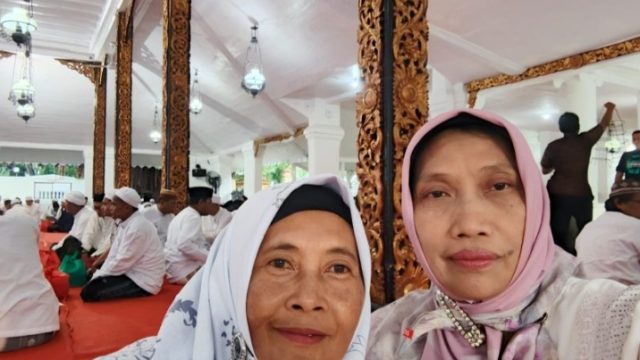
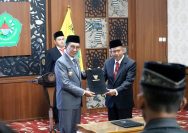
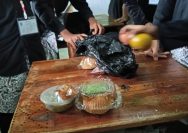
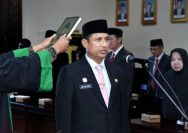
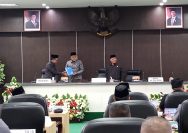
YAKUSA.ID – Pemerintah Kabupaten Sumenep, Madura, Jawa Timur menggelar buka bersama dengan para alim ulama, tokoh agama, tokoh masyarakat, jajaran pejabat, serta tamu undangan di Pendopo Agung Keraton, Jumat 27 Februari 2026. Kegiatan di bulan suci Ramadan tersebut menjadi momentum silaturahmi dalam memperkuat sinergi menuju Sumenep yang bermartabat dan religius. Acara berlangsung khidmat dan penuh […]