To change the background click on the label bar and in the layer window select the style tab.
Choose a source from the background top tab then upload an image or pick a background color.


To change the background click on the label bar and in the layer window select the style tab.
Choose a source from the background top tab then upload an image or pick a background color.

To add a layer, click the green plus button in the left sidebar and select the type of layer.
Select any layer and you can edit its content and style properties in the layer window.


To change the background click on the label bar and in the layer window select the style tab.
Choose a source from the background top tab then upload an image or pick a background color.

To add a layer, click the green plus button in the left sidebar and select the type of layer.
Select any layer and you can edit its content and style properties in the layer window.

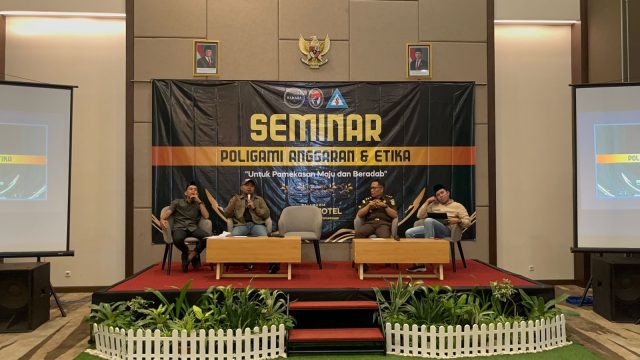
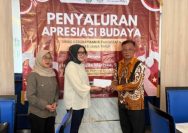
YAKUSA.ID – Seminar bertajuk “Poligami Anggaran dan Etika”, jadi panggung kritik terhadap tata kelola Pemerintah Kabupaten Pamekasan yang dinilai semakin jauh dari semangat transparansi, Selasa (24/02). Forum diskusi yang berlangsung di Azana Hotel Pamekasan itu menyoroti kinerja Pemkab Pamekasan yang tidak sepenuhnya berpijak pada RPJMD. Diskusi itu juga dihadiri Bupati Pamekasan Kholilurrahman, perwakilan OPD, serta […]