To change the background click on the label bar and in the layer window select the style tab.
Choose a source from the background top tab then upload an image or pick a background color.


To change the background click on the label bar and in the layer window select the style tab.
Choose a source from the background top tab then upload an image or pick a background color.

To add a layer, click the green plus button in the left sidebar and select the type of layer.
Select any layer and you can edit its content and style properties in the layer window.


To change the background click on the label bar and in the layer window select the style tab.
Choose a source from the background top tab then upload an image or pick a background color.

To add a layer, click the green plus button in the left sidebar and select the type of layer.
Select any layer and you can edit its content and style properties in the layer window.

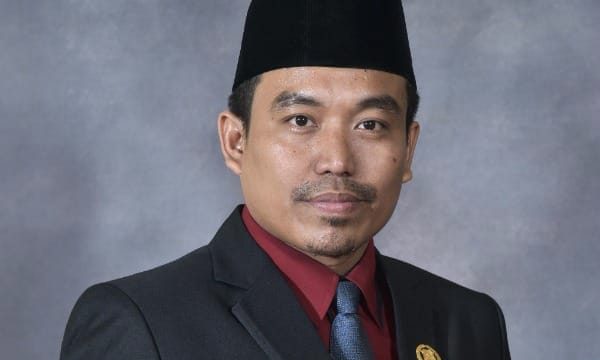
YAKUSA.ID — Wakil Ketua DPRD Kabupaten Sumenep, Indra Wahyudi, menyampaikan ucapan selamat milad ke-6 kepada media online berjejaring Yakusa.id. Ucapan tersebut disampaikan sebagai bentuk apresiasi atas kiprah Yakusa.id selama enam tahun terakhir dalam menyajikan informasi kepada masyarakat, khususnya di Sumenep. Indra Wahyudi menilai, media tersebut telah menjadi ruang informasi yang konsisten menghadirkan fakta serta menjaga […]