To change the background click on the label bar and in the layer window select the style tab.
Choose a source from the background top tab then upload an image or pick a background color.


To change the background click on the label bar and in the layer window select the style tab.
Choose a source from the background top tab then upload an image or pick a background color.

To add a layer, click the green plus button in the left sidebar and select the type of layer.
Select any layer and you can edit its content and style properties in the layer window.


To change the background click on the label bar and in the layer window select the style tab.
Choose a source from the background top tab then upload an image or pick a background color.

To add a layer, click the green plus button in the left sidebar and select the type of layer.
Select any layer and you can edit its content and style properties in the layer window.

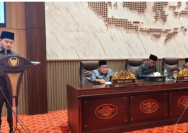
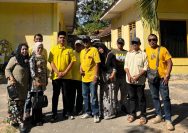
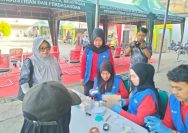
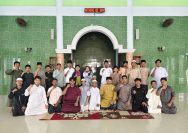
YAKUSA.ID – Perpustakaan Universitas PGRI Sumenep (UPI Sumenep) melaksanakan sosialisasi perpustakaan dalam rangkaian Pengenalan Kehidupan Kampus bagi Mahasiswa Baru (PKKMB) tahun akademik 2026/2027 pada Kamis, 27 Agustus 2026. Kegiatan tersebut diikuti seluruh mahasiswa baru dengan agenda pengenalan website, layanan, dan fasilitas perpustakaan. Sosialisasi dilaksanakan sebagai bagian dari pengenalan perpustakaan kepada mahasiswa baru agar mereka mengetahui […]