To change the background click on the label bar and in the layer window select the style tab.
Choose a source from the background top tab then upload an image or pick a background color.


To change the background click on the label bar and in the layer window select the style tab.
Choose a source from the background top tab then upload an image or pick a background color.

To add a layer, click the green plus button in the left sidebar and select the type of layer.
Select any layer and you can edit its content and style properties in the layer window.


To change the background click on the label bar and in the layer window select the style tab.
Choose a source from the background top tab then upload an image or pick a background color.

To add a layer, click the green plus button in the left sidebar and select the type of layer.
Select any layer and you can edit its content and style properties in the layer window.

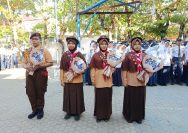
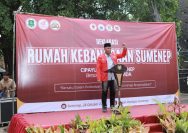
YAKUSA.ID – Dalam rangka menyemarakkan Hari Ulang Tahun (HUT) ke-81 Kemerdekaan Republik Indonesia, keluarga besar PT BPRS Bhakti Sumekar Perseroda menggelar kegiatan jalan-jalan sehat. Kegiatan tersebut berlangsung dalam suasana penuh kebersamaan, keceriaan, dan semangat positif. “Jalan sehat menjadi salah satu bentuk partisipasi keluarga besar BPRS Bhakti Sumekar dalam memeriahkan momentum kemerdekaan,” kata Direktur BPRS Bhakti […]