To change the background click on the label bar and in the layer window select the style tab.
Choose a source from the background top tab then upload an image or pick a background color.


To change the background click on the label bar and in the layer window select the style tab.
Choose a source from the background top tab then upload an image or pick a background color.

To add a layer, click the green plus button in the left sidebar and select the type of layer.
Select any layer and you can edit its content and style properties in the layer window.


To change the background click on the label bar and in the layer window select the style tab.
Choose a source from the background top tab then upload an image or pick a background color.

To add a layer, click the green plus button in the left sidebar and select the type of layer.
Select any layer and you can edit its content and style properties in the layer window.

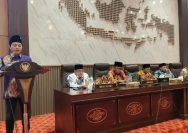
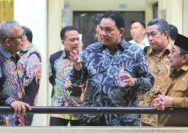
YAKUSA.ID – Anggota Badan Anggaran (Banggar) DPR RI, Hj. Ansari, menegaskan komitmennya mengawal keberlanjutan anggaran Program Bantuan Stimulan Perumahan Swadaya (BSPS) agar terus menjangkau masyarakat berpenghasilan rendah di Madura. Pernyataan itu disampaikannya saat menghadiri peluncuran dan peninjauan program bedah rumah BSPS di Desa Sukolilo Barat, Kecamatan Labang, Kabupaten Bangkalan, Minggu (3/5/2026). Ansari hadir mewakili Ketua Banggar […]