To change the background click on the label bar and in the layer window select the style tab.
Choose a source from the background top tab then upload an image or pick a background color.


To change the background click on the label bar and in the layer window select the style tab.
Choose a source from the background top tab then upload an image or pick a background color.

To add a layer, click the green plus button in the left sidebar and select the type of layer.
Select any layer and you can edit its content and style properties in the layer window.


To change the background click on the label bar and in the layer window select the style tab.
Choose a source from the background top tab then upload an image or pick a background color.

To add a layer, click the green plus button in the left sidebar and select the type of layer.
Select any layer and you can edit its content and style properties in the layer window.

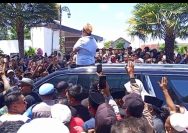
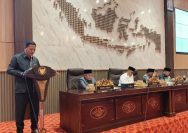
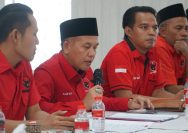
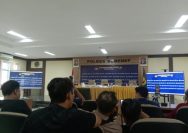
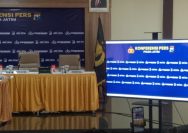
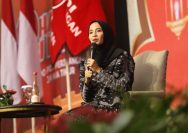
YAKUSA.ID – Masyarakat yang tergabung dalam Aliansi Masyarakat Peduli Kepulauan Kangean menggelar konferensi pers. Konferensi pers itu dalam rangka Halal Bihalal di Kepulauan Kangean, Kabupaten Sumenep, Madura, Jawa Timur pada Selasa, 15 April 2026. Kegiatan ini tidak hanya menjadi ajang silaturahmi, tetapi juga momentum konsolidasi untuk menegaskan penolakan terhadap rencana eksploitasi minyak dan gas oleh […]