To change the background click on the label bar and in the layer window select the style tab.
Choose a source from the background top tab then upload an image or pick a background color.


To change the background click on the label bar and in the layer window select the style tab.
Choose a source from the background top tab then upload an image or pick a background color.

To add a layer, click the green plus button in the left sidebar and select the type of layer.
Select any layer and you can edit its content and style properties in the layer window.


To change the background click on the label bar and in the layer window select the style tab.
Choose a source from the background top tab then upload an image or pick a background color.

To add a layer, click the green plus button in the left sidebar and select the type of layer.
Select any layer and you can edit its content and style properties in the layer window.

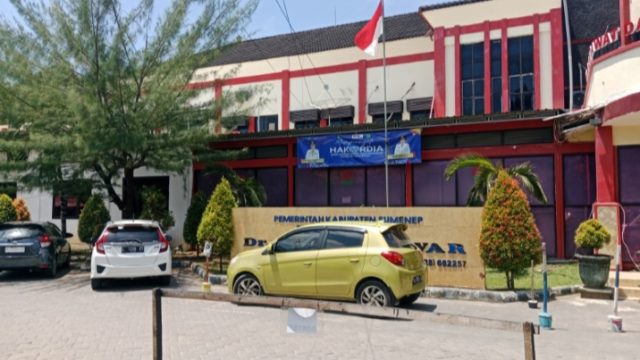
YAKUSA.ID – RSUD dr. H. Moh. Anwar (RSUDMA) Sumenep kembali menunjukkan komitmennya dalam meningkatkan kualitas layanan kesehatan dengan menghadirkan kebijakan kompensasi bagi pasien yang menerima pelayanan tidak sesuai standar. Kebijakan inovatif tersebut merupakan bagian dari langkah strategis rumah sakit milik Pemerintah Kabupaten Sumenep dalam memperkuat kepercayaan masyarakat terhadap layanan kesehatan publik. Penerapan kompensasi layanan ini […]