To change the background click on the label bar and in the layer window select the style tab.
Choose a source from the background top tab then upload an image or pick a background color.


To change the background click on the label bar and in the layer window select the style tab.
Choose a source from the background top tab then upload an image or pick a background color.

To add a layer, click the green plus button in the left sidebar and select the type of layer.
Select any layer and you can edit its content and style properties in the layer window.


To change the background click on the label bar and in the layer window select the style tab.
Choose a source from the background top tab then upload an image or pick a background color.

To add a layer, click the green plus button in the left sidebar and select the type of layer.
Select any layer and you can edit its content and style properties in the layer window.

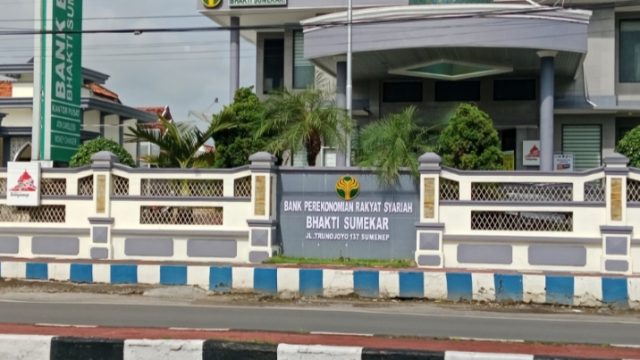
YAKUSA.ID – Bank Pembiayaan Rakyat Syariah (BPRS) Bhakti Sumekar di Kabupaten Sumenep tengah menyiapkan sejumlah program unggulan menjelang datangnya bulan suci Ramadan 2026. Program tersebut dirancang sebagai bentuk inovasi layanan keuangan syariah yang diharapkan dapat memberikan manfaat bagi nasabah maupun masyarakat secara luas, khususnya pada momentum Ramadan. Direktur BPRS Bhakti Sumekar, Hairil Fajar, mengatakan bahwa […]