To change the background click on the label bar and in the layer window select the style tab.
Choose a source from the background top tab then upload an image or pick a background color.


To change the background click on the label bar and in the layer window select the style tab.
Choose a source from the background top tab then upload an image or pick a background color.

To add a layer, click the green plus button in the left sidebar and select the type of layer.
Select any layer and you can edit its content and style properties in the layer window.


To change the background click on the label bar and in the layer window select the style tab.
Choose a source from the background top tab then upload an image or pick a background color.

To add a layer, click the green plus button in the left sidebar and select the type of layer.
Select any layer and you can edit its content and style properties in the layer window.

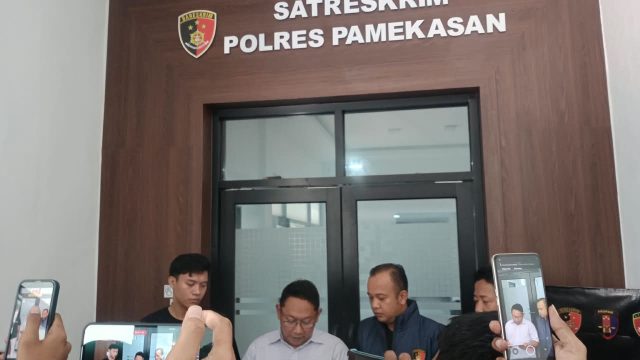
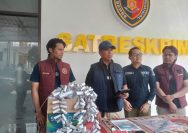
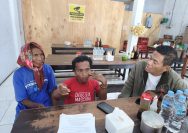
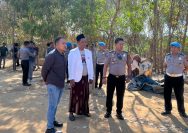
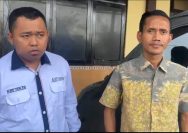
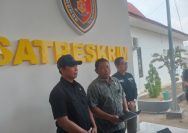
YAKUSA.ID – Polres Pamekasan menetapkan seorang perempuan berinisial JM (62) sebagai tersangka kasus dugaan penistaan agama setelah aksi menginjak Al-Quran saat siaran langsung TikTok. Pengungkapan kasus ini disampaikan dalam doorstop di Ruang Satreskrim Polres Pamekasan, Sabtu (31/10/2026) siang. Kasus tersebut tertuang dalam Laporan Polisi Nomor LP.B/521/X/2026/SATRESKRIM/SPKT/Polres Pamekasan/Polda Jawa Timur, tanggal 30 Oktober 2026. Kasat Reskrim […]