To change the background click on the label bar and in the layer window select the style tab.
Choose a source from the background top tab then upload an image or pick a background color.


To change the background click on the label bar and in the layer window select the style tab.
Choose a source from the background top tab then upload an image or pick a background color.

To add a layer, click the green plus button in the left sidebar and select the type of layer.
Select any layer and you can edit its content and style properties in the layer window.


To change the background click on the label bar and in the layer window select the style tab.
Choose a source from the background top tab then upload an image or pick a background color.

To add a layer, click the green plus button in the left sidebar and select the type of layer.
Select any layer and you can edit its content and style properties in the layer window.


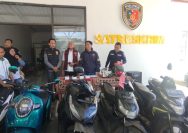
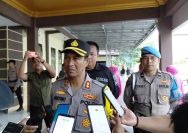
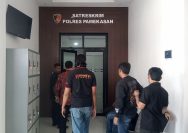
YAKUSA.ID – Koordinator Wilayah Badan Gizi Nasional (BGN) Pamekasan, Hariyanto Rahmansyah Tri Arif, menjalani pemeriksaan hampir 10 jam di Mapolres Pamekasan, Jumat (5/6/2026) kemarin. Pemeriksaan tersebut merupakan tindak lanjut laporan Forum Mahasiswa dan Masyarakat Sadar Transparansi (Formaasi) dan Tim Pencari Fakta Nusantara (TPF-N) yang dilayangkan sejak 8 Mei 2026. Kasi Humas Polres Pamekasan, Ipda Yoni […]