To change the background click on the label bar and in the layer window select the style tab.
Choose a source from the background top tab then upload an image or pick a background color.


To change the background click on the label bar and in the layer window select the style tab.
Choose a source from the background top tab then upload an image or pick a background color.

To add a layer, click the green plus button in the left sidebar and select the type of layer.
Select any layer and you can edit its content and style properties in the layer window.


To change the background click on the label bar and in the layer window select the style tab.
Choose a source from the background top tab then upload an image or pick a background color.

To add a layer, click the green plus button in the left sidebar and select the type of layer.
Select any layer and you can edit its content and style properties in the layer window.


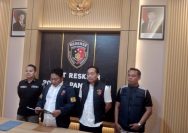
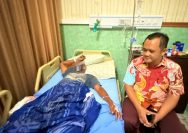
YAKUSA.ID – Satreskrim Polres Sampang mengungkap kasus tindak pidana penipuan dan penggelapan sepeda motor dengan modus berpura-pura sebagai pembeli. Kasatreskrim Polres Sampang, Iptu Nur Fajri Alim mengatakan, pencurian terjadi pada Senin, 9 Maret 2026 lalu sekitar pukul 18.30 WIB di Dusun Rabajateh, Desa Taddan, Kecamatan Camplong, Kabupaten Sampang. kasus tersebut bermula saat korban, Sumheri (29), warga […]