To change the background click on the label bar and in the layer window select the style tab.
Choose a source from the background top tab then upload an image or pick a background color.


To change the background click on the label bar and in the layer window select the style tab.
Choose a source from the background top tab then upload an image or pick a background color.

To add a layer, click the green plus button in the left sidebar and select the type of layer.
Select any layer and you can edit its content and style properties in the layer window.

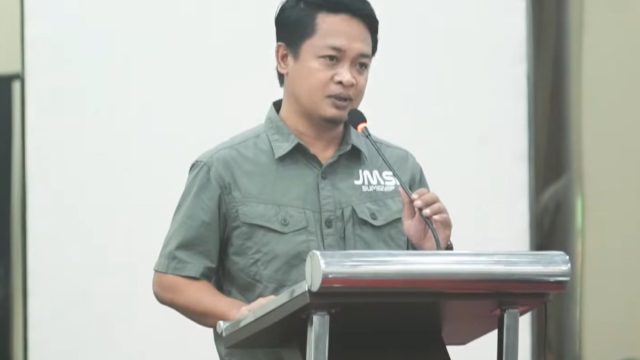
YAKUSA.ID – Jaringan Media Siber Indonesia (JMSI) Kabupaten Sumenep menggelar diskusi publik bertajuk “Pilkada Lewat DPRD: Solusi atau Kemunduran Demokrasi” di Hotel Kaberaz, Kabupaten Sumenep pada Rabu 21 Januari 2026. Kegiatan ini menjadi ruang dialog terbuka untuk membahas wacana pemilihan kepala daerah melalui DPRD dari berbagai perspektif politik dan akademik. Diskusi yang dimulai pukul 09.30 […]