To change the background click on the label bar and in the layer window select the style tab.
Choose a source from the background top tab then upload an image or pick a background color.


To change the background click on the label bar and in the layer window select the style tab.
Choose a source from the background top tab then upload an image or pick a background color.

To add a layer, click the green plus button in the left sidebar and select the type of layer.
Select any layer and you can edit its content and style properties in the layer window.

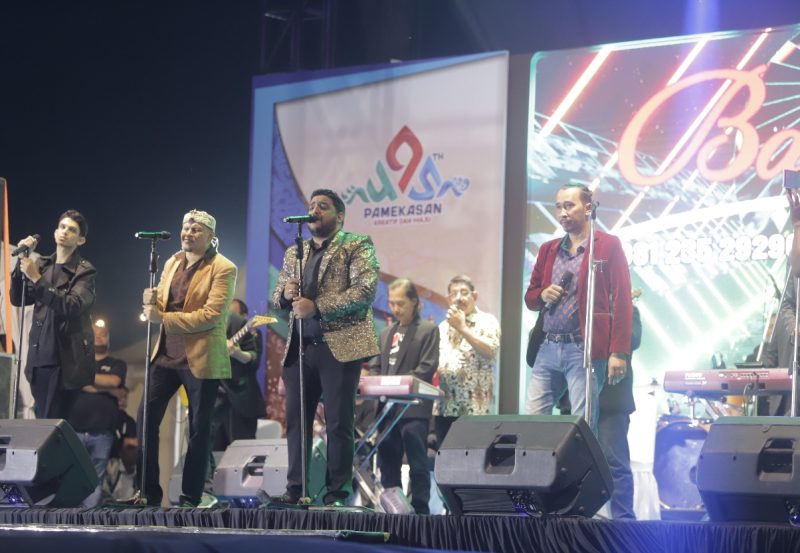
YAKUSA.ID – Ribuan warga dari empat penjuru Pulau Madura tumpah ruah di kawasan Monumen Arek Lancor, Sabtu (1/11/2025) malam. Mereka datang bukan sekadar menonton, tetapi ikut larut dalam kemeriahan “Semalam di Madura”, sebuah perhelatan budaya spektakuler yang menjadi bagian dari rangkaian Hari Jadi ke-495 Kabupaten Pamekasan. Gelaran yang diselimuti suasana hangat dan penuh semangat itu […]