To change the background click on the label bar and in the layer window select the style tab.
Choose a source from the background top tab then upload an image or pick a background color.


To change the background click on the label bar and in the layer window select the style tab.
Choose a source from the background top tab then upload an image or pick a background color.

To add a layer, click the green plus button in the left sidebar and select the type of layer.
Select any layer and you can edit its content and style properties in the layer window.


To change the background click on the label bar and in the layer window select the style tab.
Choose a source from the background top tab then upload an image or pick a background color.

To add a layer, click the green plus button in the left sidebar and select the type of layer.
Select any layer and you can edit its content and style properties in the layer window.

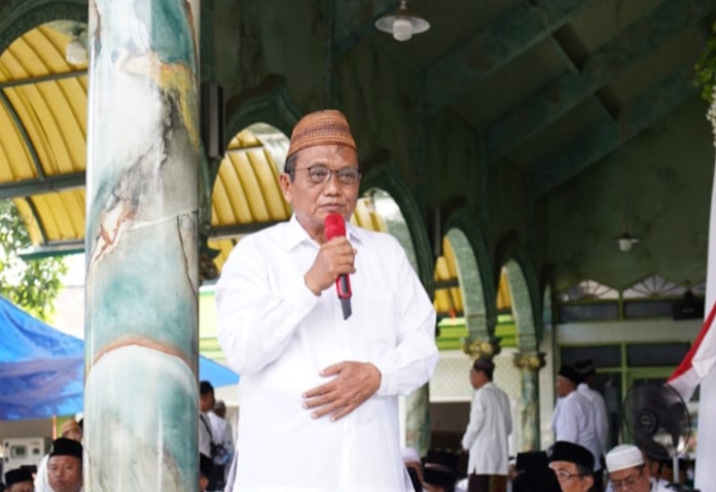
YAKUSA.ID – Pemerintah Kabupaten (Pemkab) Pamekasan kini memusatkan perhatian pada pembenahan data kepesertaan BPJS Kesehatan sebagai fondasi peningkatan layanan kesehatan bagi masyarakat miskin, Senin (08/12/2025). Langkah ini dinilai menjadi kunci tercapainya target Universal Health Coverage (UHC) prioritas yang selama ini menjadi komitmen Bupati Pamekasan, KH. Kholilurrahman. Upaya tersebut disampaikan Bupati saat memimpin Sosialisasi Jaminan Kesehatan […]