To change the background click on the label bar and in the layer window select the style tab.
Choose a source from the background top tab then upload an image or pick a background color.


To change the background click on the label bar and in the layer window select the style tab.
Choose a source from the background top tab then upload an image or pick a background color.

To add a layer, click the green plus button in the left sidebar and select the type of layer.
Select any layer and you can edit its content and style properties in the layer window.

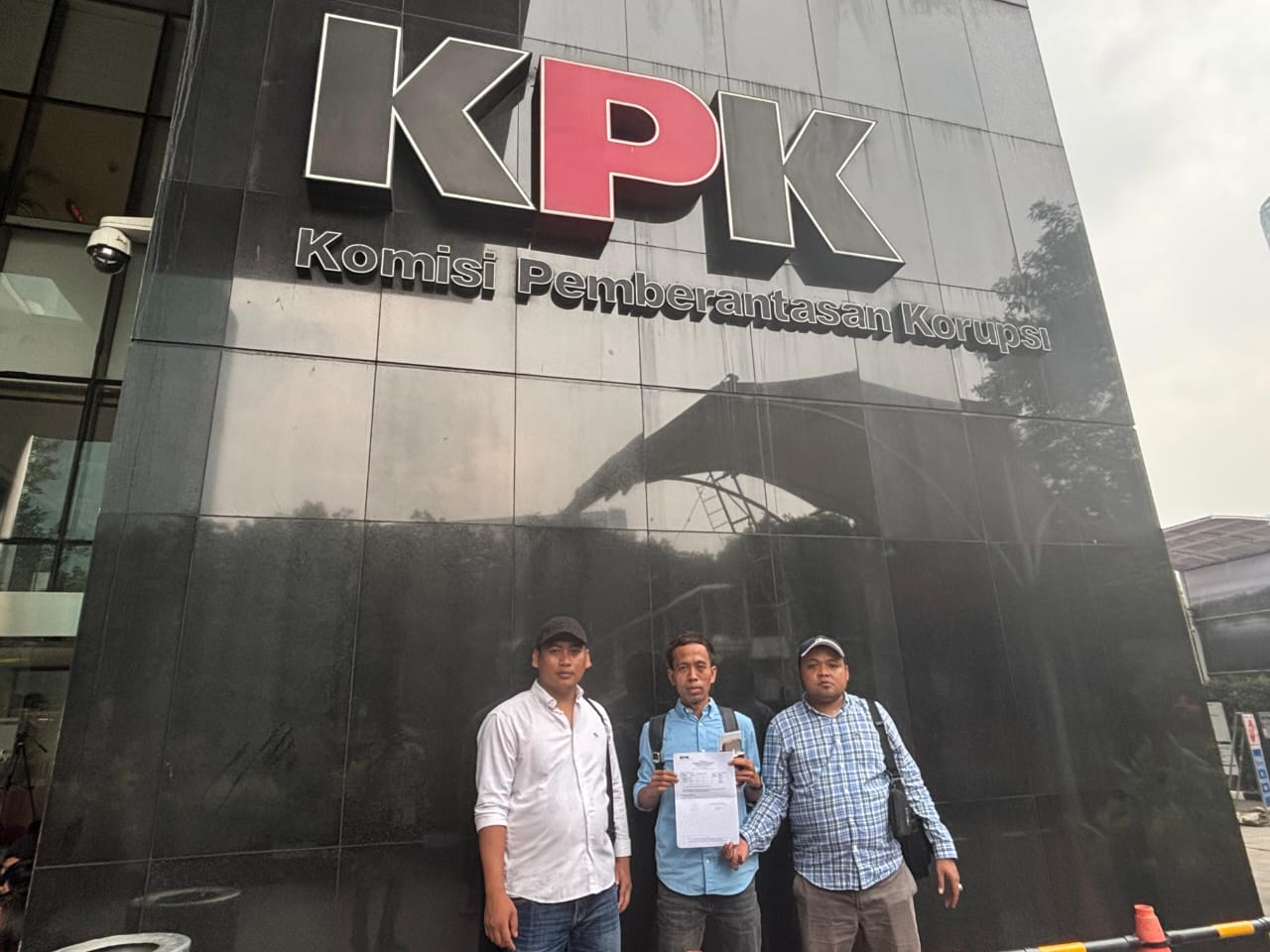
YAKUSA.ID – Dugaan penyelewengan dana ganti rugi kerusakan rumpon nelayan di Kabupaten Sampang, Jawa Timur, akhirnya masuk ke meja Komisi Pemberantasan Korupsi (KPK). Nilainya tak tanggung-tanggung, mencapai Rp21 miliar. Laporan tersebut diajukan oleh aktivis Lembaga Perlindungan Konsumen (LPK) Trankonmasi Jawa Timur yang mendapat mandat dari Persatuan Nelayan Pantura Madura. Dalam aduannya, mereka menyebut sejumlah pihak, […]