To change the background click on the label bar and in the layer window select the style tab.
Choose a source from the background top tab then upload an image or pick a background color.


To change the background click on the label bar and in the layer window select the style tab.
Choose a source from the background top tab then upload an image or pick a background color.

To add a layer, click the green plus button in the left sidebar and select the type of layer.
Select any layer and you can edit its content and style properties in the layer window.

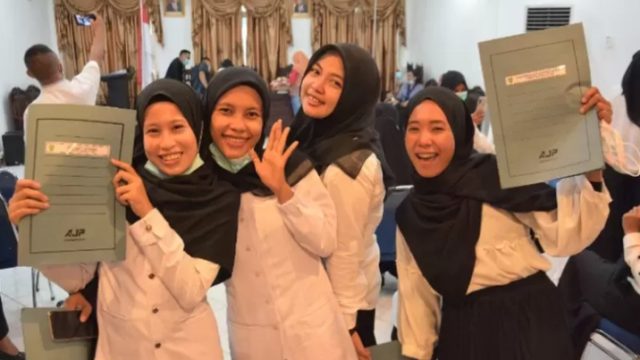
YAKUSA.ID – Pemerintah akan memberlakukan perubahan skema pembayaran gaji bagi Pegawai Pemerintah dengan Perjanjian Kerja (PPPK) Paruh Waktu mulai tahun 2026. Dalam kebijakan baru ini, gaji tidak lagi dibayarkan di awal bulan, melainkan setelah pegawai menyelesaikan satu bulan kerja penuh. Perubahan tersebut disampaikan sebagai bagian dari penyesuaian mekanisme administrasi penggajian dan tidak berkaitan dengan pengurangan […]