To change the background click on the label bar and in the layer window select the style tab.
Choose a source from the background top tab then upload an image or pick a background color.


To change the background click on the label bar and in the layer window select the style tab.
Choose a source from the background top tab then upload an image or pick a background color.

To add a layer, click the green plus button in the left sidebar and select the type of layer.
Select any layer and you can edit its content and style properties in the layer window.


To change the background click on the label bar and in the layer window select the style tab.
Choose a source from the background top tab then upload an image or pick a background color.

To add a layer, click the green plus button in the left sidebar and select the type of layer.
Select any layer and you can edit its content and style properties in the layer window.


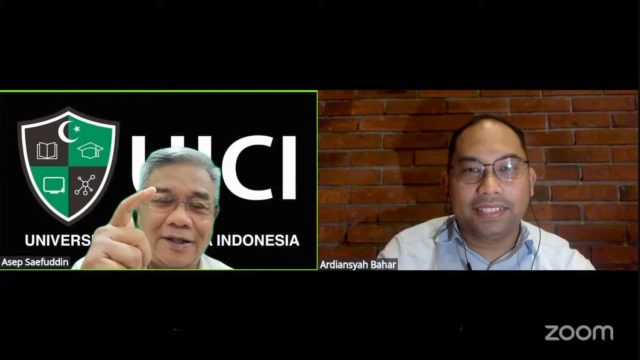
YAKUSA.ID – Ketua Umum Pengurus Pusat Perhimpunan Dokter Umum Indonesia (PP PDUI) dr. Ardiansyah Bahar menegaskan bahwa dokter tidak hanya dituntut kompeten dalam praktik klinis, tetapi juga harus bijak dan beretika dalam berkomunikasi di ruang digital, khususnya media sosial. Menurut Ardiansyah, penggunaan media sosial yang tidak bertanggung jawab berpotensi merusak kepercayaan publik terhadap profesi dokter […]