To change the background click on the label bar and in the layer window select the style tab.
Choose a source from the background top tab then upload an image or pick a background color.


To change the background click on the label bar and in the layer window select the style tab.
Choose a source from the background top tab then upload an image or pick a background color.

To add a layer, click the green plus button in the left sidebar and select the type of layer.
Select any layer and you can edit its content and style properties in the layer window.

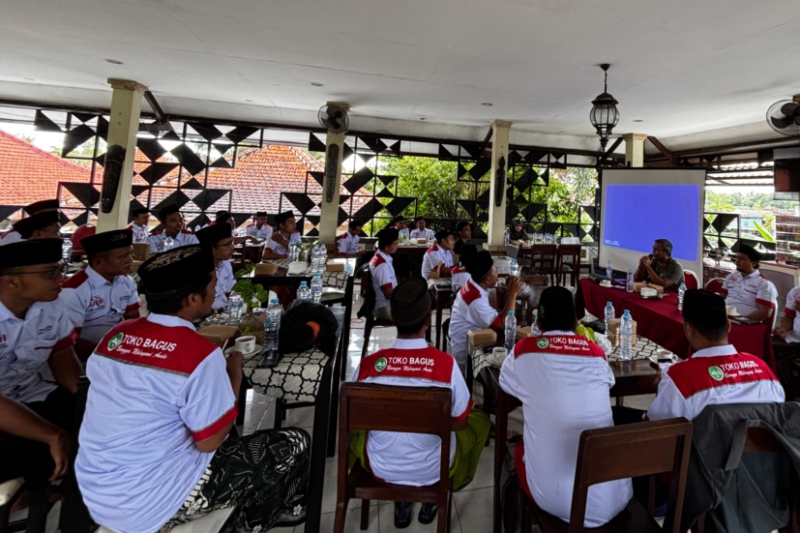
YAKUSA.ID – Dinas Ketahanan Pangan dan Pertanian (DKPP) Kabupaten Sumenep, Madura, Provinsi Jawa Timur, terus menggencarkan kolaborasi lintas sektor sebagai strategi utama dalam mewujudkan ketahanan serta swasembada pangan yang berkelanjutan. Kepala DKPP Sumenep, Chainur Rasyid, mengungkapkan bahwa pendekatan ini tidak hanya berfokus pada penyuluhan teknis semata, melainkan juga menekankan pentingnya sinergi menyeluruh, mulai dari tingkat […]