To change the background click on the label bar and in the layer window select the style tab.
Choose a source from the background top tab then upload an image or pick a background color.


To change the background click on the label bar and in the layer window select the style tab.
Choose a source from the background top tab then upload an image or pick a background color.

To add a layer, click the green plus button in the left sidebar and select the type of layer.
Select any layer and you can edit its content and style properties in the layer window.


To change the background click on the label bar and in the layer window select the style tab.
Choose a source from the background top tab then upload an image or pick a background color.

To add a layer, click the green plus button in the left sidebar and select the type of layer.
Select any layer and you can edit its content and style properties in the layer window.


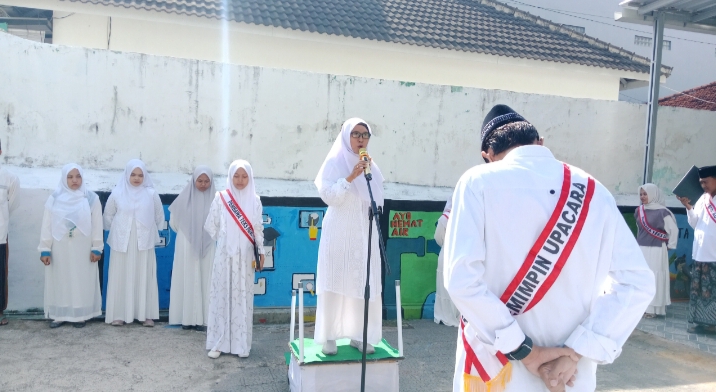
YAKUSA.ID – Sekolah Menengah Atas (SMA) Nahdatul Ulama Sumenep, Madura, Jawa Timur, kembali menorehkan prestasi membanggakan. Sekolah ini berhasil meraih Juara VI dalam ajang Workshop dan Kompetisi Film Pendek Tingkat SMA/SMK/MA Sederajat serta Mahasiswa, dengan total hadiah sebesar Rp2.000.000,00. Lomba yang bertajuk dari “Dari Akar Tradisi Menuju Layar Digital”, tersebut diadakan oleh Diskominfo Sumenep. Kepala […]