To change the background click on the label bar and in the layer window select the style tab.
Choose a source from the background top tab then upload an image or pick a background color.


To change the background click on the label bar and in the layer window select the style tab.
Choose a source from the background top tab then upload an image or pick a background color.

To add a layer, click the green plus button in the left sidebar and select the type of layer.
Select any layer and you can edit its content and style properties in the layer window.


To change the background click on the label bar and in the layer window select the style tab.
Choose a source from the background top tab then upload an image or pick a background color.

To add a layer, click the green plus button in the left sidebar and select the type of layer.
Select any layer and you can edit its content and style properties in the layer window.


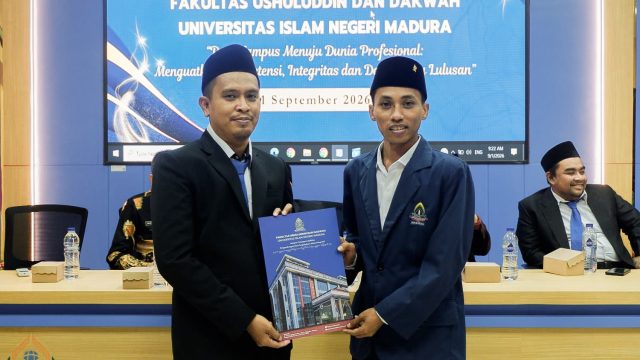
YAKUSA.ID – Bagi mayoritas mahasiswa, menyelesaikan kuliah identik dengan skripsi. Namun, jalan yang ditempuh Moh. Rofik berbeda. Mahasiswa Universitas Islam Negeri (UIN) Madura asal Desa Blumbungan, Kecamatan Larangan, Pamekasan, itu menuntaskan pendidikan akhirnya melalui sebuah artikel ilmiah yang mengangkat kehidupan masyarakat di kampungnya sendiri. Bersama Imam Sadili, Rofik menulis artikel berjudul “Kontribusi Kiai Kampung dalam […]