To change the background click on the label bar and in the layer window select the style tab.
Choose a source from the background top tab then upload an image or pick a background color.


To change the background click on the label bar and in the layer window select the style tab.
Choose a source from the background top tab then upload an image or pick a background color.

To add a layer, click the green plus button in the left sidebar and select the type of layer.
Select any layer and you can edit its content and style properties in the layer window.

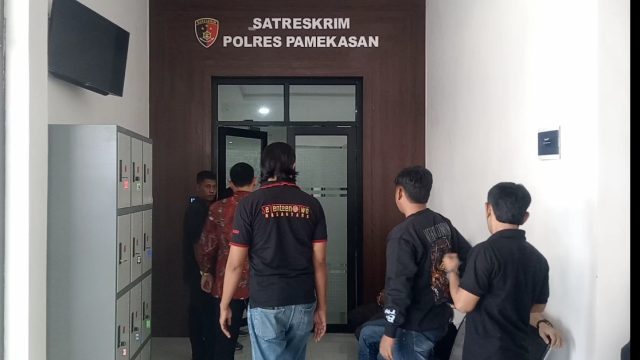
YAKUSA.ID – Satuan Reserse Kriminal (Satreskrim) Polres Pamekasan resmi memulai penyidikan kasus dugaan tindak pidana penipuan atau penggelapan (tipu gelap) yang terjadi di Kabupaten Pamekasan, Jawa Timur. Hal itu ditandai dengan diterbitkannya Surat Pemberitahuan Dimulainya Penyidikan (SPDP) Nomor SPDP/113/VI/RES.1.11/2026/Satreskrim tertanggal 10 Juni 2026 yang telah disampaikan kepada Kejaksaan Negeri Pamekasan. Dalam dokumen tersebut disebutkan bahwa […]