To change the background click on the label bar and in the layer window select the style tab.
Choose a source from the background top tab then upload an image or pick a background color.


To change the background click on the label bar and in the layer window select the style tab.
Choose a source from the background top tab then upload an image or pick a background color.

To add a layer, click the green plus button in the left sidebar and select the type of layer.
Select any layer and you can edit its content and style properties in the layer window.


To change the background click on the label bar and in the layer window select the style tab.
Choose a source from the background top tab then upload an image or pick a background color.

To add a layer, click the green plus button in the left sidebar and select the type of layer.
Select any layer and you can edit its content and style properties in the layer window.

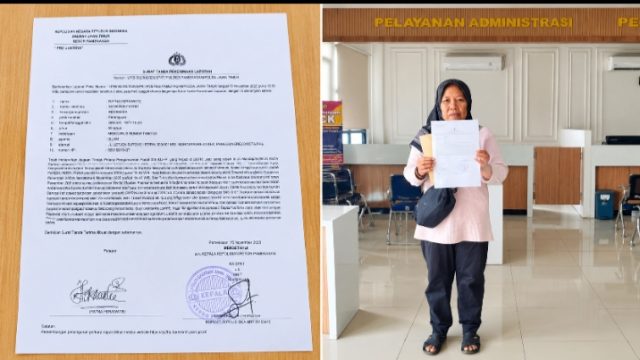
YAKUSA.ID — Ratna Herawatie, orang tua dua atlet yang meraih juara pertama dalam ajang Fun Run Berka’ On Laon 2026,…
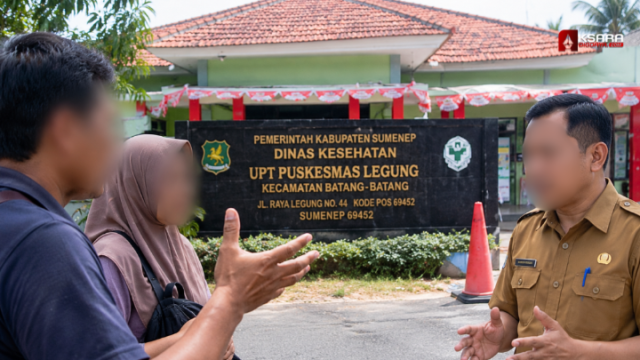
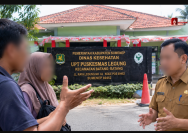
YAKUSA.ID – Pelayanan kesehatan di Puskesmas Legung, Kecamatan Batang-Batang, Kabupaten Sumenep, menjadi sorotan setelah seorang pasien peserta BPJS Kesehatan berinisial…
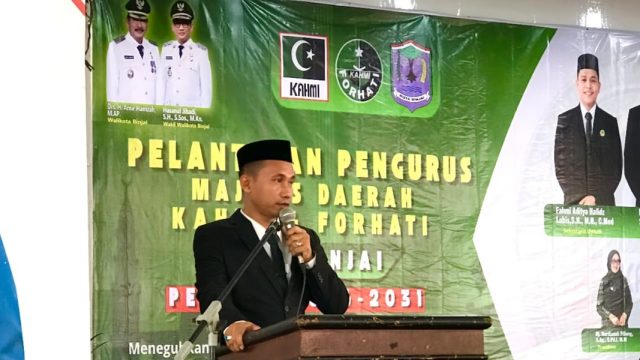
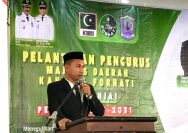
YAKUSA.ID - Majelis Daerah Korps Alumni Himpunan Mahasiswa Islam (MD KAHMI) bersama Forum Alumni HMI-Wati (FORHATI) Kota Binjai resmi melantik…
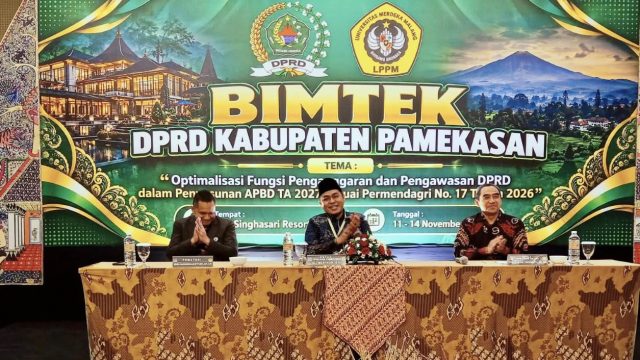
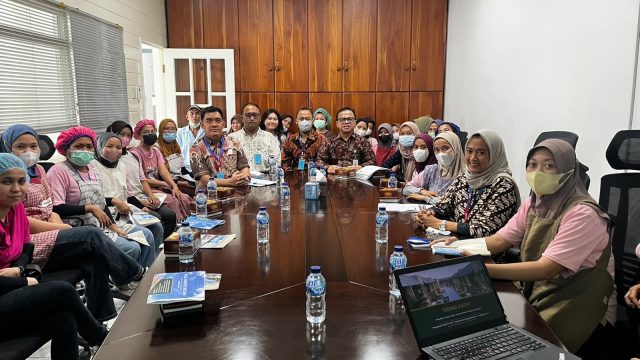
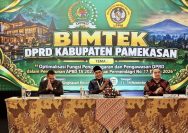
YAKUSA.ID – Ketua DPRD Kabupaten Pamekasan, Ali Masykur, mengikuti kegiatan bimbingan teknis (Bimtek) DPRD Kabupaten Pamekasan yang mengangkat tema “Optimalisasi…
YAKUSA.ID – Deputi Komisioner Bidang Hukum dan Administrasi Badan Pengelola Tabungan Perumahan Rakyat (BP Tapera) Wilson Lie Simatupang memberikan edukasi…