To change the background click on the label bar and in the layer window select the style tab.
Choose a source from the background top tab then upload an image or pick a background color.


To change the background click on the label bar and in the layer window select the style tab.
Choose a source from the background top tab then upload an image or pick a background color.

To add a layer, click the green plus button in the left sidebar and select the type of layer.
Select any layer and you can edit its content and style properties in the layer window.


To change the background click on the label bar and in the layer window select the style tab.
Choose a source from the background top tab then upload an image or pick a background color.

To add a layer, click the green plus button in the left sidebar and select the type of layer.
Select any layer and you can edit its content and style properties in the layer window.

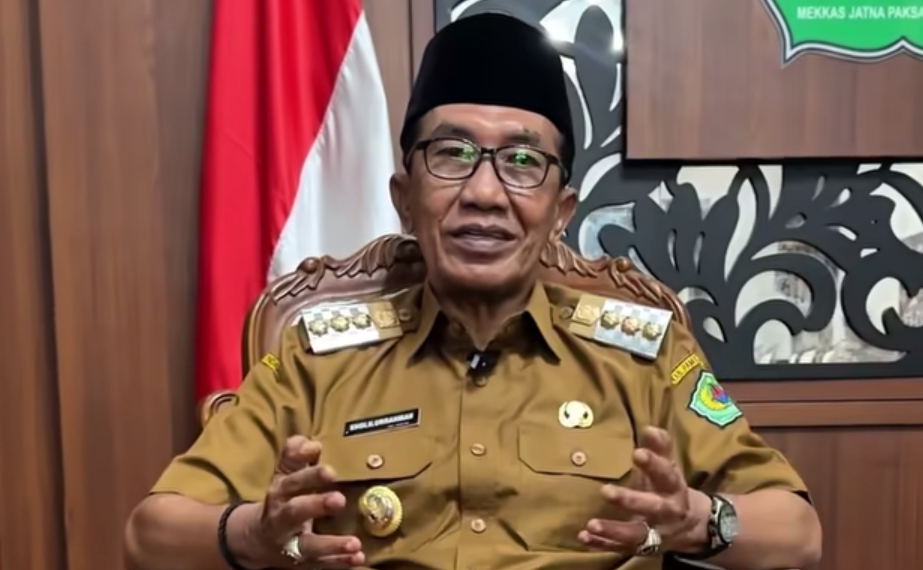
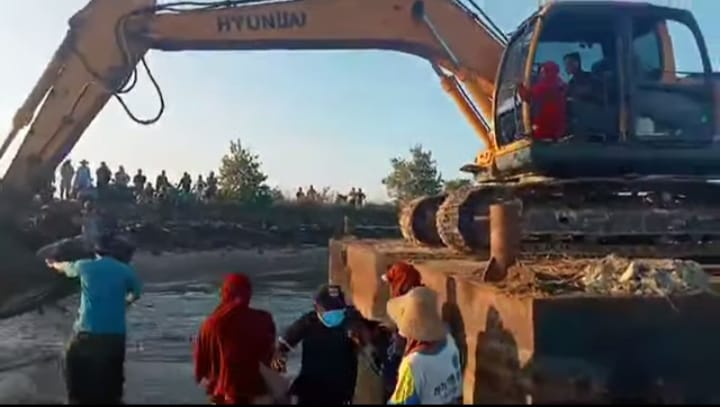
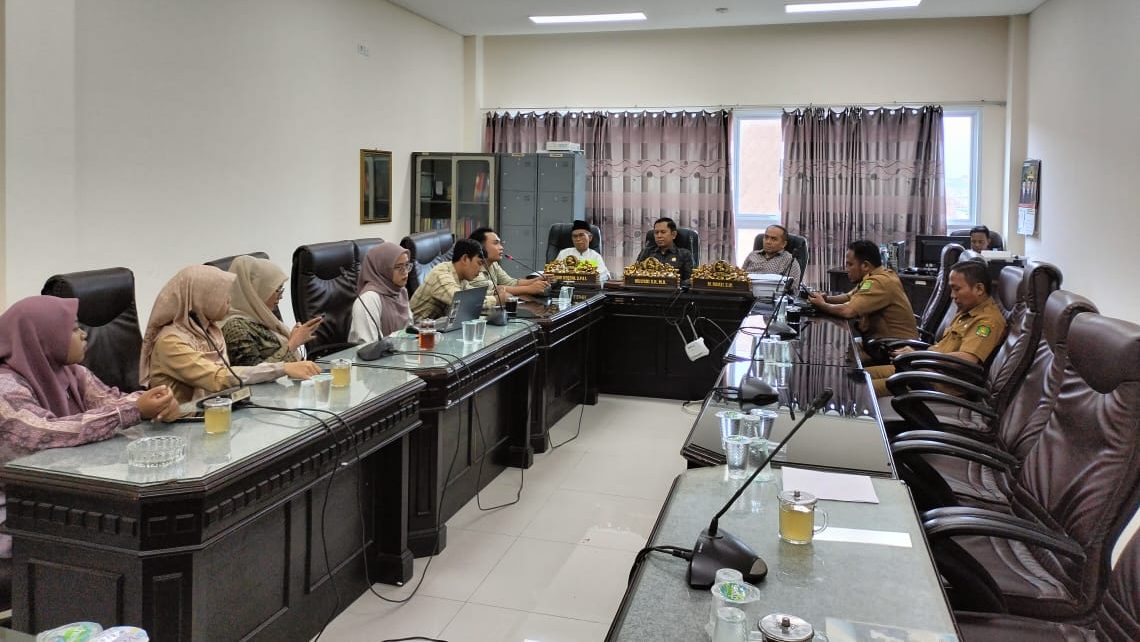
YAKUSA.ID – Pembangunan infrastruktur di Kabupaten Pamekasan sempat mengalami perlambatan akibat keterbatasan anggaran. Namun di tengah tantangan tersebut, Pemerintah Kabupaten (Pemkab) Pamekasan tetap berkomitmen menjaga agar program-program prioritas yang menyentuh langsung kebutuhan masyarakat tetap berjalan. Bupati Pamekasan Dr. KH. Kholilurrahman menegaskan bahwa pemerintah daerah tidak tinggal diam dalam menghadapi keterbatasan. Menurutnya, berbagai langkah strategis terus […]