To change the background click on the label bar and in the layer window select the style tab.
Choose a source from the background top tab then upload an image or pick a background color.


To change the background click on the label bar and in the layer window select the style tab.
Choose a source from the background top tab then upload an image or pick a background color.

To add a layer, click the green plus button in the left sidebar and select the type of layer.
Select any layer and you can edit its content and style properties in the layer window.


To change the background click on the label bar and in the layer window select the style tab.
Choose a source from the background top tab then upload an image or pick a background color.

To add a layer, click the green plus button in the left sidebar and select the type of layer.
Select any layer and you can edit its content and style properties in the layer window.

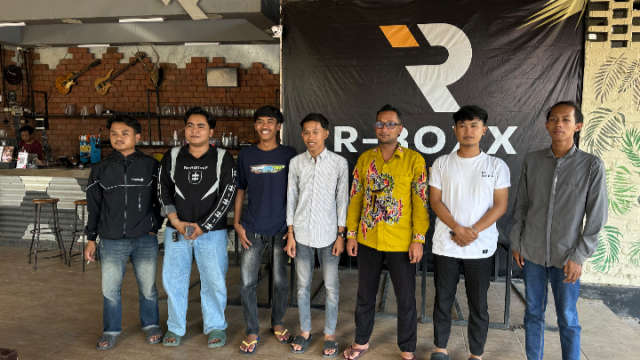
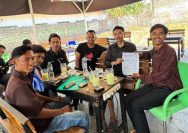
YAKUSA.ID – Ikatan Mahasiswa (IMI) menggelar pertemuan dengan Ketua Pelaksana Pengenalan Kehidupan Kampus bagi Mahasiswa Baru (PKKMB) 2026 di Cafe R-Box, Senin (2/11/2026), pukul 13.30 WIB. Pertemuan tersebut membahas keterlambatan pendistribusian kaos kepada peserta PKKMB 2026 yang sebelumnya menjadi persoalan dan mendapat perhatian mahasiswa. Dalam pertemuan tersebut, Ketua Pelaksana PKKMB 2026, Rusdi, menyampaikan klarifikasi sekaligus […]