To change the background click on the label bar and in the layer window select the style tab.
Choose a source from the background top tab then upload an image or pick a background color.


To change the background click on the label bar and in the layer window select the style tab.
Choose a source from the background top tab then upload an image or pick a background color.

To add a layer, click the green plus button in the left sidebar and select the type of layer.
Select any layer and you can edit its content and style properties in the layer window.


To change the background click on the label bar and in the layer window select the style tab.
Choose a source from the background top tab then upload an image or pick a background color.

To add a layer, click the green plus button in the left sidebar and select the type of layer.
Select any layer and you can edit its content and style properties in the layer window.


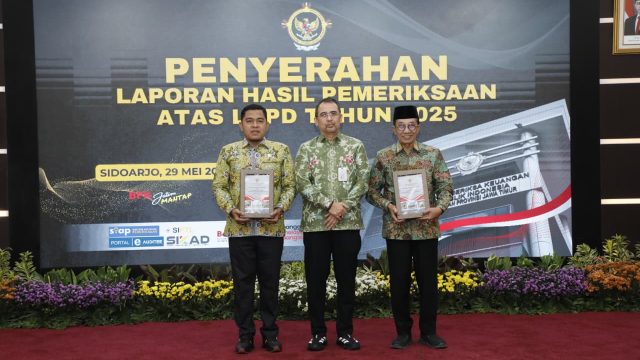
YAKUSA.ID – Pemerintah Kabupaten Pamekasan kembali mempertahankan opini Wajar Tanpa Pengecualian (WTP) dari Badan Pemeriksa Keuangan (BPK) RI atas Laporan Keuangan Pemerintah Daerah (LKPD) Tahun Anggaran 2025. Raihan tersebut menjadi opini WTP ke-12 yang diraih secara beruntun oleh daerah berjuluk Gerbang Salam itu. Bagi Bupati Pamekasan KH Kholilurrahman, capaian tersebut bukan sekadar penghargaan tahunan. Menurutnya, […]