To change the background click on the label bar and in the layer window select the style tab.
Choose a source from the background top tab then upload an image or pick a background color.


To change the background click on the label bar and in the layer window select the style tab.
Choose a source from the background top tab then upload an image or pick a background color.

To add a layer, click the green plus button in the left sidebar and select the type of layer.
Select any layer and you can edit its content and style properties in the layer window.


To change the background click on the label bar and in the layer window select the style tab.
Choose a source from the background top tab then upload an image or pick a background color.

To add a layer, click the green plus button in the left sidebar and select the type of layer.
Select any layer and you can edit its content and style properties in the layer window.


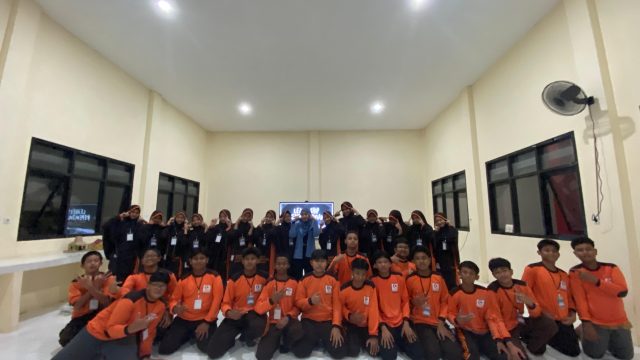
YAKUSA.ID – Dalam rangka menyiapkan kepengurusan baru, Organisasi Pelajar Hidayatullah (OPH) SMP Integral Luqman Al Hakim Sumenep melaksanakan Latihan Dasar Kepemimpinan Peserta Didik (LDKPD) pada 30–31 Januari 2026. Kegiatan yang berlangsung di SMP Integral Luqman Al Hakim Sumenep ini diikuti oleh seluruh pengurus OPH yang baru serta melibatkan pengurus demisioner sebagai pendamping dan penanggung jawab […]