To change the background click on the label bar and in the layer window select the style tab.
Choose a source from the background top tab then upload an image or pick a background color.


To change the background click on the label bar and in the layer window select the style tab.
Choose a source from the background top tab then upload an image or pick a background color.

To add a layer, click the green plus button in the left sidebar and select the type of layer.
Select any layer and you can edit its content and style properties in the layer window.


To change the background click on the label bar and in the layer window select the style tab.
Choose a source from the background top tab then upload an image or pick a background color.

To add a layer, click the green plus button in the left sidebar and select the type of layer.
Select any layer and you can edit its content and style properties in the layer window.

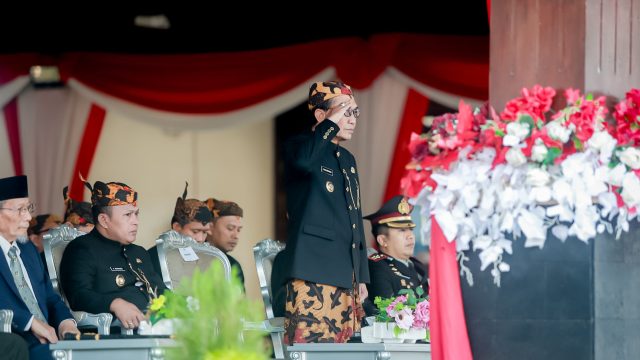
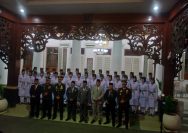
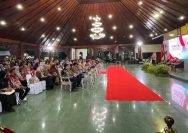
YAKUSA.ID – Pemerintah Kabupaten Pamekasan menggelar upacara bendera dalam rangka memperingati Hari Ulang Tahun (HUT) ke-81 Kemerdekaan Republik Indonesia di Lapangan Nagara Bhakti, Pendopo Ronggosukowati, Senin (17/8/2026). Upacara berlangsung khidmat dengan diikuti berbagai unsur, mulai dari personel TNI dan Polri, aparatur sipil negara (ASN), mahasiswa, pelajar, hingga jajaran pimpinan Organisasi Perangkat Daerah (OPD) di lingkungan […]