To change the background click on the label bar and in the layer window select the style tab.
Choose a source from the background top tab then upload an image or pick a background color.


To change the background click on the label bar and in the layer window select the style tab.
Choose a source from the background top tab then upload an image or pick a background color.

To add a layer, click the green plus button in the left sidebar and select the type of layer.
Select any layer and you can edit its content and style properties in the layer window.


To change the background click on the label bar and in the layer window select the style tab.
Choose a source from the background top tab then upload an image or pick a background color.

To add a layer, click the green plus button in the left sidebar and select the type of layer.
Select any layer and you can edit its content and style properties in the layer window.

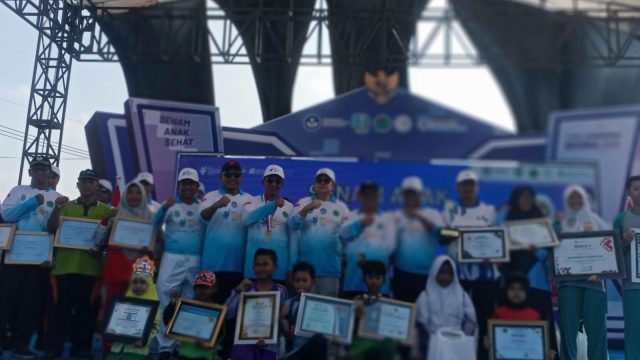
YAKUSA.ID – Pemerintah Kabupaten Pamekasan menjadi tuan rumah puncak peringatan Hari Pendidikan Nasional (Hardiknas) Jawa Timur 2026. Kegiatan dipusatkan di Stadion Gelora Madura Ratu Pamelingan (SGMRP), Minggu (24/5/2026). Acara yang dimotori Dinas Pendidikan dan Kebudayaan Pamekasan ini mengusung tiga agenda utama, yakni senam bersama lebih dari 24.114 siswa, penyerahan piagam Rekor MURI, serta diskusi pendidikan […]