To change the background click on the label bar and in the layer window select the style tab.
Choose a source from the background top tab then upload an image or pick a background color.


To change the background click on the label bar and in the layer window select the style tab.
Choose a source from the background top tab then upload an image or pick a background color.

To add a layer, click the green plus button in the left sidebar and select the type of layer.
Select any layer and you can edit its content and style properties in the layer window.


To change the background click on the label bar and in the layer window select the style tab.
Choose a source from the background top tab then upload an image or pick a background color.

To add a layer, click the green plus button in the left sidebar and select the type of layer.
Select any layer and you can edit its content and style properties in the layer window.

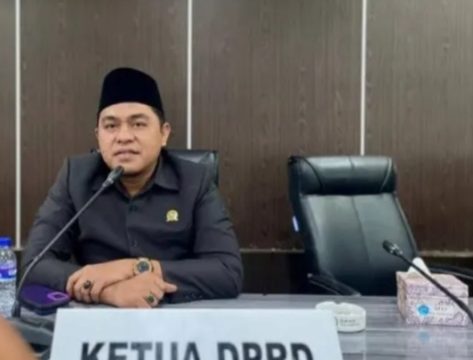
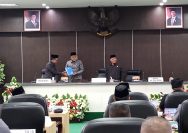
YAKUSA.ID – Dewan Perwakilan Rakyat Daerah (DPRD) Pamekasan menyatakan dukungan terhadap kebijakan pemerintah pusat terkait pembatasan akses media sosial bagi anak dan remaja. Kebijakan ini tertuang dalam Peraturan Pemerintah Nomor 17 Tahun 2025 tentang Tata Kelola Perlindungan Anak di Ruang Digital (PP Tunas) yang mulai berlaku sejak 28 Maret 2026. Ketua DPRD Pamekasan, Ali Masykur, […]