To change the background click on the label bar and in the layer window select the style tab.
Choose a source from the background top tab then upload an image or pick a background color.


To change the background click on the label bar and in the layer window select the style tab.
Choose a source from the background top tab then upload an image or pick a background color.

To add a layer, click the green plus button in the left sidebar and select the type of layer.
Select any layer and you can edit its content and style properties in the layer window.


To change the background click on the label bar and in the layer window select the style tab.
Choose a source from the background top tab then upload an image or pick a background color.

To add a layer, click the green plus button in the left sidebar and select the type of layer.
Select any layer and you can edit its content and style properties in the layer window.

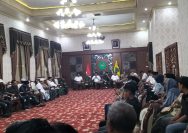
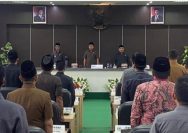
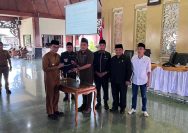
YAKUSA.ID – Pemerintah Kabupaten (Pemkab) Pamekasan, Madura, Jawa Timur menggelar upacara Hari Pendidikan Nasional 2026 di halaman Kantor Bupati, Jalan Kabupaten, Senin (4/5/2026). Pantauan di lokasi, usai upacara, Dr. KH. Kholilurrahman selaku pembina apel langsung memberikan apresiasi kepada para siswa pemenang lomba, baik di tingkat kabupaten, provinsi hingga tingkat nasional. Orang nomor satu di Kabupaten […]