To change the background click on the label bar and in the layer window select the style tab.
Choose a source from the background top tab then upload an image or pick a background color.


To change the background click on the label bar and in the layer window select the style tab.
Choose a source from the background top tab then upload an image or pick a background color.

To add a layer, click the green plus button in the left sidebar and select the type of layer.
Select any layer and you can edit its content and style properties in the layer window.


To change the background click on the label bar and in the layer window select the style tab.
Choose a source from the background top tab then upload an image or pick a background color.

To add a layer, click the green plus button in the left sidebar and select the type of layer.
Select any layer and you can edit its content and style properties in the layer window.

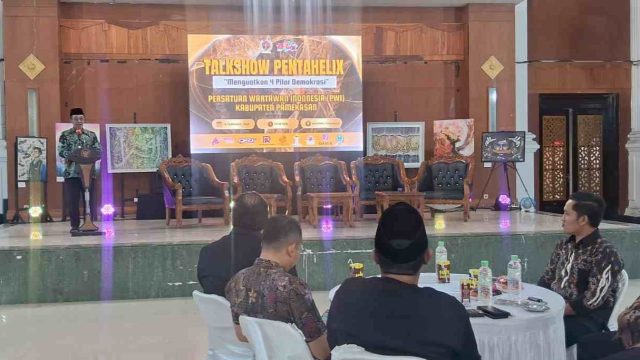
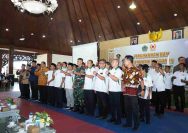
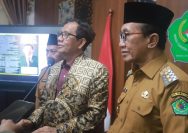
YAKUSA.ID – Bupati Pamekasan, Madura, Jawa Timur, KH. Kholilurrahman menghadiri acara perayaan Hari Pers Nasional (HPN) 2026 di gedung Bakorwil, Jalan Slamet Riyadi Pamekasan, Senin (16/2/2026) malam. HPN 2026 yang diselenggarakan PWI Pamekasan tersebut juga dihadiri Wakil Bupati Pamekasan, Sukriyanto, pimpinan organisasi perangkat daerah (OPD), dan anggota DPR RI, Hj. Ansari. “Saya atas nama Pemerintah […]