To change the background click on the label bar and in the layer window select the style tab.
Choose a source from the background top tab then upload an image or pick a background color.


To change the background click on the label bar and in the layer window select the style tab.
Choose a source from the background top tab then upload an image or pick a background color.

To add a layer, click the green plus button in the left sidebar and select the type of layer.
Select any layer and you can edit its content and style properties in the layer window.


To change the background click on the label bar and in the layer window select the style tab.
Choose a source from the background top tab then upload an image or pick a background color.

To add a layer, click the green plus button in the left sidebar and select the type of layer.
Select any layer and you can edit its content and style properties in the layer window.

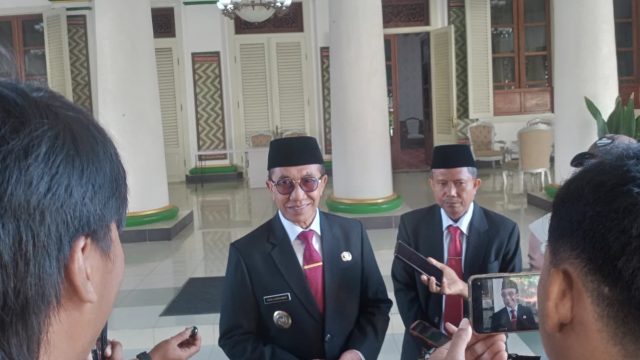
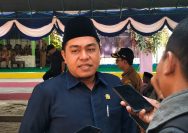
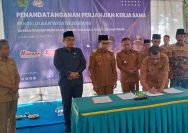
YAKUSA.ID – Pemerintah Kabupaten Pamekasan mulai membuka peluang kerja sama investasi untuk mengembangkan sejumlah kawasan wisata dan aset daerah yang selama ini belum dikelola secara maksimal. Langkah tersebut diambil karena kebutuhan anggaran pengembangan destinasi dinilai cukup besar jika hanya mengandalkan APBD. Bupati Pamekasan Kholilurrahman mengatakan, sejumlah lokasi telah dipetakan sebagai kawasan yang memiliki potensi untuk dikembangkan […]