To change the background click on the label bar and in the layer window select the style tab.
Choose a source from the background top tab then upload an image or pick a background color.


To change the background click on the label bar and in the layer window select the style tab.
Choose a source from the background top tab then upload an image or pick a background color.

To add a layer, click the green plus button in the left sidebar and select the type of layer.
Select any layer and you can edit its content and style properties in the layer window.


To change the background click on the label bar and in the layer window select the style tab.
Choose a source from the background top tab then upload an image or pick a background color.

To add a layer, click the green plus button in the left sidebar and select the type of layer.
Select any layer and you can edit its content and style properties in the layer window.


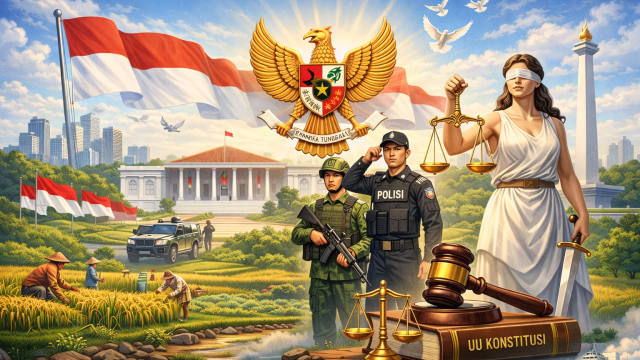
YAKUSA.ID – Himpunan Mahasiswa Islam (HMI) Cabang Kota Bogor menyampaikan sikap resmi terkait dinamika ketatanegaraan yang berkembang, khususnya mengenai posisi kelembagaan Kepolisian Negara Republik Indonesia (Polri) serta mekanisme pengangkatan Kepala Kepolisian Negara Republik Indonesia (Kapolri). Ketua Umum HMI Cabang Kota Bogor, Moeltazam, mengatakan HMI sebagai organisasi kader dan organisasi perjuangan memiliki tanggung jawab moral untuk […]