To change the background click on the label bar and in the layer window select the style tab.
Choose a source from the background top tab then upload an image or pick a background color.


To change the background click on the label bar and in the layer window select the style tab.
Choose a source from the background top tab then upload an image or pick a background color.

To add a layer, click the green plus button in the left sidebar and select the type of layer.
Select any layer and you can edit its content and style properties in the layer window.


To change the background click on the label bar and in the layer window select the style tab.
Choose a source from the background top tab then upload an image or pick a background color.

To add a layer, click the green plus button in the left sidebar and select the type of layer.
Select any layer and you can edit its content and style properties in the layer window.


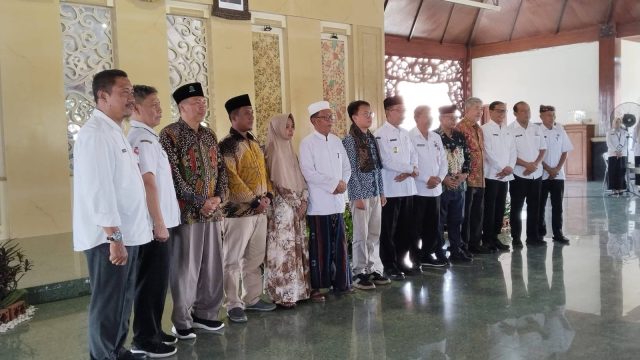
YAKUSA.ID – Pemerintah Kabupaten (Pemkab) Pamekasan menyambut hangat kedatangan Doktor Hadiatullah, lulusan terbaik Program Doktor (S3) dari Tianjin University, Tiongkok. Bupati Pamekasan KH. Kholillurrahman menyampaikan komitmennya untuk menyiapkan tempat terbaik apabila Doktor Hadiatullah memilih berkontribusi di daerah, demi kemajuan pendidikan sekaligus menjadi motivasi bagi generasi muda. “Kami berharap Doktor Hadiatullah dapat memberikan kontribusi nyata bagi kemajuan […]