To change the background click on the label bar and in the layer window select the style tab.
Choose a source from the background top tab then upload an image or pick a background color.


To change the background click on the label bar and in the layer window select the style tab.
Choose a source from the background top tab then upload an image or pick a background color.

To add a layer, click the green plus button in the left sidebar and select the type of layer.
Select any layer and you can edit its content and style properties in the layer window.


To change the background click on the label bar and in the layer window select the style tab.
Choose a source from the background top tab then upload an image or pick a background color.

To add a layer, click the green plus button in the left sidebar and select the type of layer.
Select any layer and you can edit its content and style properties in the layer window.

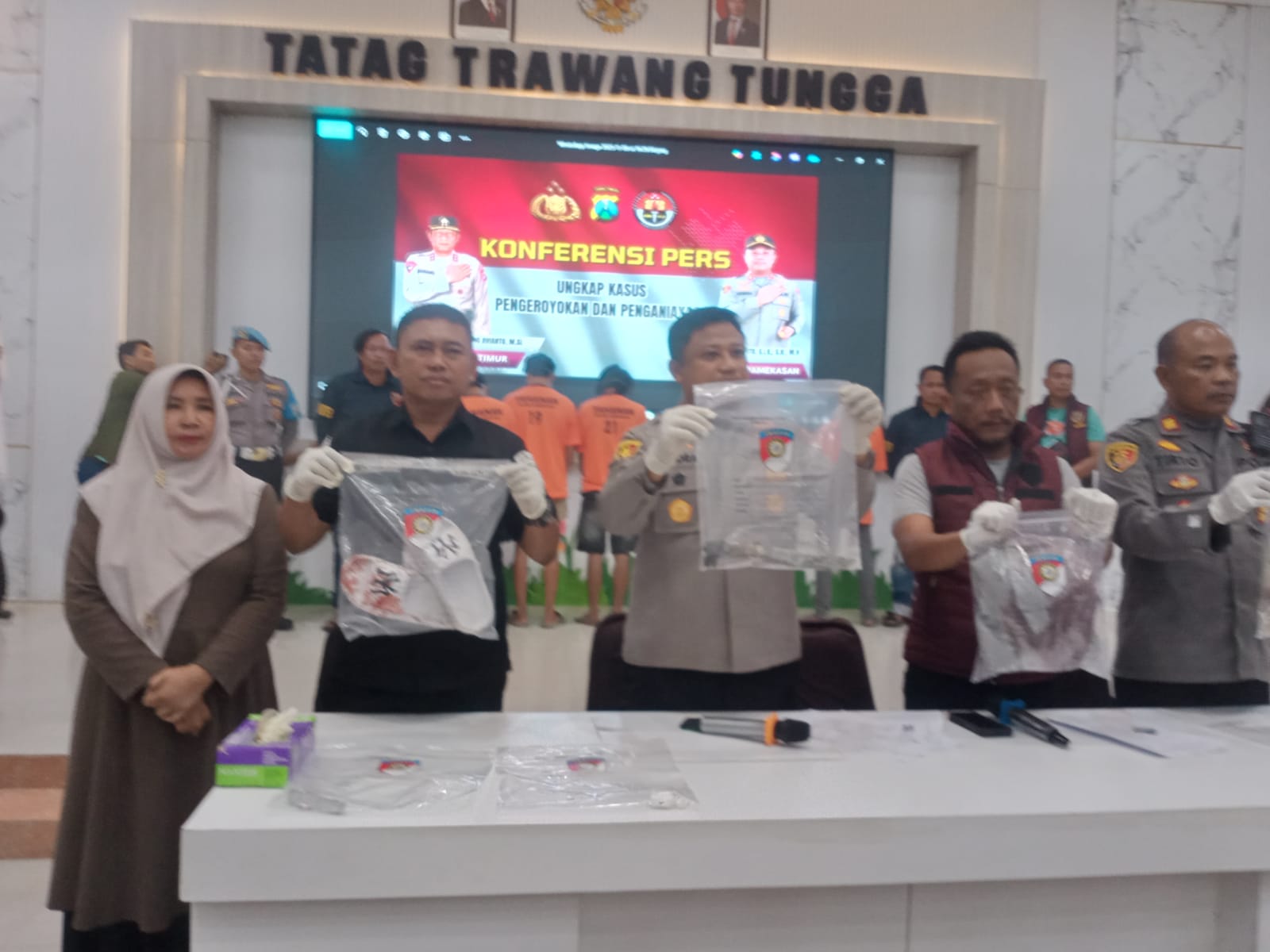
YAKUSA.ID — Terungkap sudah siapa pengendali aksi penyekapan dan perampasan mobil rental yang menimpa sopir asal Pasuruan, Fauzi (29). Kepolisian menyebut bahwa dalang utama adalah AD alias S (35), warga Kecamatan Ketapang, Kabupaten Sampang. Pria yang juga residivis narkoba itu disebut mengatur seluruh skenario, mulai dari menjemput korban, mematikan posisi GPS mobil, hingga pemerasan terhadap […]