To change the background click on the label bar and in the layer window select the style tab.
Choose a source from the background top tab then upload an image or pick a background color.


To change the background click on the label bar and in the layer window select the style tab.
Choose a source from the background top tab then upload an image or pick a background color.

To add a layer, click the green plus button in the left sidebar and select the type of layer.
Select any layer and you can edit its content and style properties in the layer window.


To change the background click on the label bar and in the layer window select the style tab.
Choose a source from the background top tab then upload an image or pick a background color.

To add a layer, click the green plus button in the left sidebar and select the type of layer.
Select any layer and you can edit its content and style properties in the layer window.


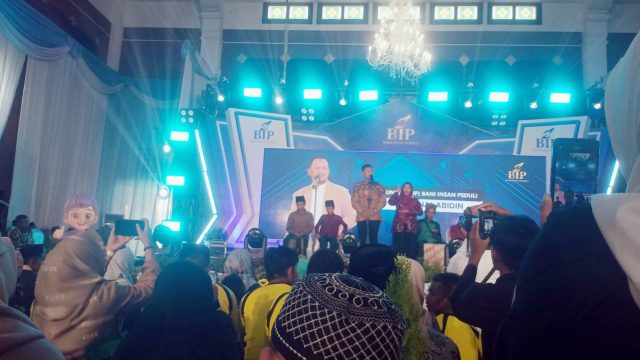
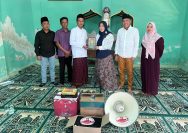
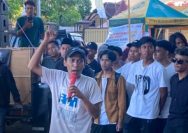
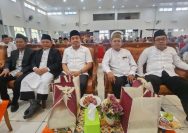
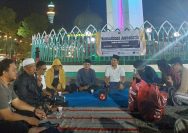
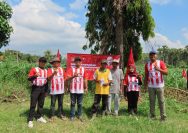
YAKUSA.ID – Sore itu, Selasa (17 Maret 2026), suasana di Desa Kaduara Barat, Kecamatan Larangan, Kabupaten Pamekasan, terasa lebih hangat dari biasanya. Di halaman rumah yang menjadi titik berkumpul, puluhan anak yatim piatu duduk rapi. Mereka datang memenuhi undangan dari seorang tuan rumah yang ingin berbagi, sekaligus merangkul mereka dengan kasih yang tulus. Anggota Komisi […]