To change the background click on the label bar and in the layer window select the style tab.
Choose a source from the background top tab then upload an image or pick a background color.


To change the background click on the label bar and in the layer window select the style tab.
Choose a source from the background top tab then upload an image or pick a background color.

To add a layer, click the green plus button in the left sidebar and select the type of layer.
Select any layer and you can edit its content and style properties in the layer window.


To change the background click on the label bar and in the layer window select the style tab.
Choose a source from the background top tab then upload an image or pick a background color.

To add a layer, click the green plus button in the left sidebar and select the type of layer.
Select any layer and you can edit its content and style properties in the layer window.


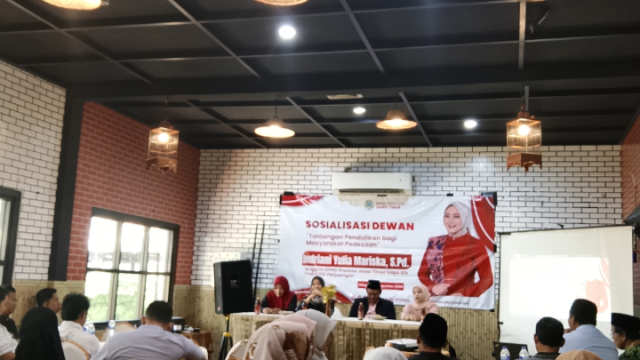
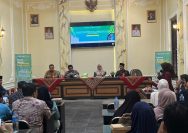
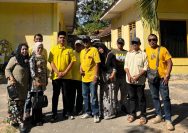
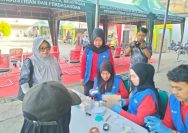
YAKUSA.ID — Anggota DPRD Jawa Timur, Indriani Yulia Mariska, menggelar Sosialisasi Dewan bertema “Tantangan Pendidikan bagi Masyarakat Pedesaan” di Kedai HK, Kolor, Kecamatan Kota, Kabupaten Sumenep, Minggu 30 Agustus 2026. Kegiatan tersebut menjadi ruang untuk menyerap aspirasi masyarakat Sumenep, khususnya terkait persoalan pendidikan yang masih dihadapi masyarakat pedesaan dan wilayah kepulauan. Moh. Saleh yang mewakili […]