To change the background click on the label bar and in the layer window select the style tab.
Choose a source from the background top tab then upload an image or pick a background color.


To change the background click on the label bar and in the layer window select the style tab.
Choose a source from the background top tab then upload an image or pick a background color.

To add a layer, click the green plus button in the left sidebar and select the type of layer.
Select any layer and you can edit its content and style properties in the layer window.


To change the background click on the label bar and in the layer window select the style tab.
Choose a source from the background top tab then upload an image or pick a background color.

To add a layer, click the green plus button in the left sidebar and select the type of layer.
Select any layer and you can edit its content and style properties in the layer window.

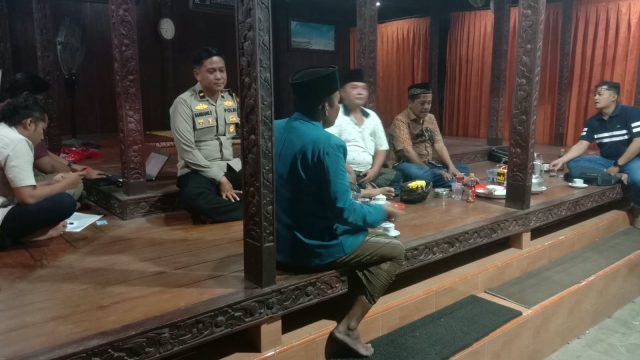
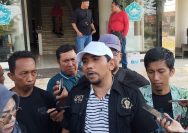
YAKUSA.ID – Keluarga santri yang diduga menjadi korban penganiayaan di Kecamatan Batumarmar, Pamekasan, resmi membuat laporan polisi. Laporan dibuat saat korban masih menjalani perawatan di rumah sakit wilayah Waru. Kasat Reskrim Polres Pamekasan AKP Yoyok Hardianto mengatakan, laporan tersebut dibuat setelah personel mendatangi korban untuk meminta keterangan terkait dugaan penganiayaan yang ramai di media sosial. […]