To change the background click on the label bar and in the layer window select the style tab.
Choose a source from the background top tab then upload an image or pick a background color.


To change the background click on the label bar and in the layer window select the style tab.
Choose a source from the background top tab then upload an image or pick a background color.

To add a layer, click the green plus button in the left sidebar and select the type of layer.
Select any layer and you can edit its content and style properties in the layer window.


To change the background click on the label bar and in the layer window select the style tab.
Choose a source from the background top tab then upload an image or pick a background color.

To add a layer, click the green plus button in the left sidebar and select the type of layer.
Select any layer and you can edit its content and style properties in the layer window.


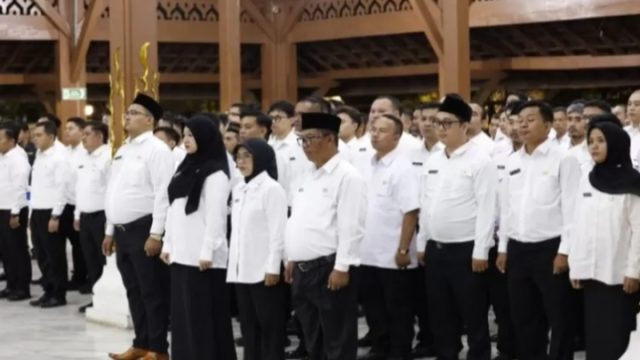
YAKUSA.ID – Pemerintah memberikan sinyal kuat bahwa tahun 2026 akan menjadi momentum penting bagi pegawai pemerintah dengan perjanjian kerja (PPPK) paruh waktu untuk beralih menjadi penuh waktu. Kebijakan ini menjadi bagian dari upaya penataan tenaga honorer sekaligus pemenuhan kebutuhan aparatur sipil negara (ASN) yang lebih fleksibel. Skema PPPK paruh waktu sendiri merupakan bentuk pengangkatan ASN […]