To change the background click on the label bar and in the layer window select the style tab.
Choose a source from the background top tab then upload an image or pick a background color.


To change the background click on the label bar and in the layer window select the style tab.
Choose a source from the background top tab then upload an image or pick a background color.

To add a layer, click the green plus button in the left sidebar and select the type of layer.
Select any layer and you can edit its content and style properties in the layer window.


To change the background click on the label bar and in the layer window select the style tab.
Choose a source from the background top tab then upload an image or pick a background color.

To add a layer, click the green plus button in the left sidebar and select the type of layer.
Select any layer and you can edit its content and style properties in the layer window.


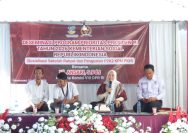
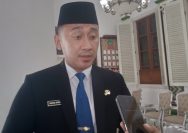
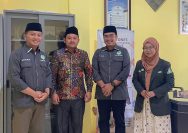
YAKUSA.ID – Badan Eksekutif Mahasiswa (BEM) Fakultas Ilmu Administrasi (FIA) Universitas Madura sukses menggelar Lomba Penulisan Policy Brief tingkat se-Jawa Timur, Rabu (03/06/2026). Kegiatan ini diikuti oleh puluhan peserta, baik mahasiswa maupun siswa dari berbagai perguruan tinggi negeri dan swasta serta SMA/sederajat di wilayah Jawa Timur. Lomba ini bertujuan untuk melatih kemampuan peserta dalam menganalisis […]