To change the background click on the label bar and in the layer window select the style tab.
Choose a source from the background top tab then upload an image or pick a background color.


To change the background click on the label bar and in the layer window select the style tab.
Choose a source from the background top tab then upload an image or pick a background color.

To add a layer, click the green plus button in the left sidebar and select the type of layer.
Select any layer and you can edit its content and style properties in the layer window.


To change the background click on the label bar and in the layer window select the style tab.
Choose a source from the background top tab then upload an image or pick a background color.

To add a layer, click the green plus button in the left sidebar and select the type of layer.
Select any layer and you can edit its content and style properties in the layer window.


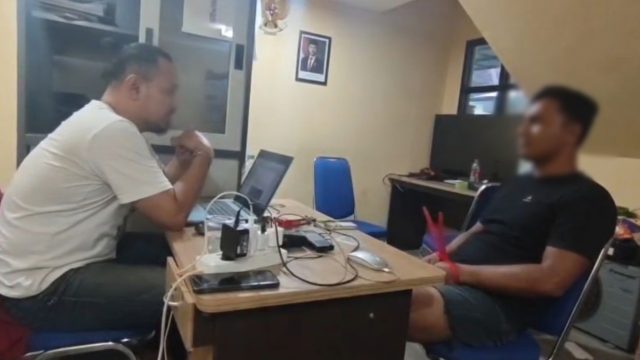
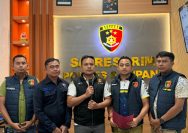
YAKUSA.ID – Kinerja Tim Unit Reaksi Cepat (URC) Polres Sampang kembali membuahkan hasil. Seorang pria yang diduga terlibat dalam tindak pidana penadahan sepeda motor hasil curian berhasil diamankan di wilayah Kecamatan Ketapang, Kabupaten Sampang. Penangkapan tersebut merupakan hasil pengembangan penyelidikan kasus pencurian sepeda motor yang sebelumnya dilaporkan warga. Setelah melakukan serangkaian penyelidikan, Tim URC Polres […]