To change the background click on the label bar and in the layer window select the style tab.
Choose a source from the background top tab then upload an image or pick a background color.


To change the background click on the label bar and in the layer window select the style tab.
Choose a source from the background top tab then upload an image or pick a background color.

To add a layer, click the green plus button in the left sidebar and select the type of layer.
Select any layer and you can edit its content and style properties in the layer window.


To change the background click on the label bar and in the layer window select the style tab.
Choose a source from the background top tab then upload an image or pick a background color.

To add a layer, click the green plus button in the left sidebar and select the type of layer.
Select any layer and you can edit its content and style properties in the layer window.


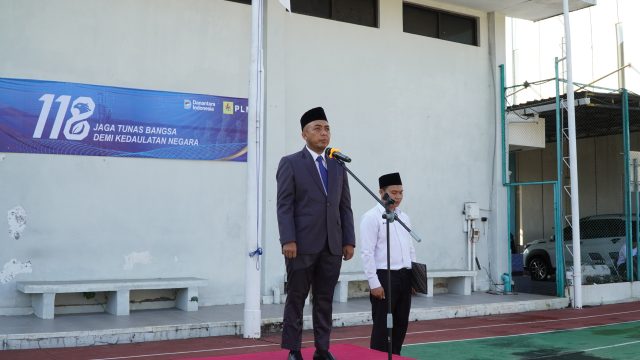
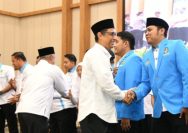
YAKUSA.ID – PT PLN Unit Pelaksana Pelayanan Pelanggan Madura memperingati Hari Kebangkitan Nasional ke-118 dengan menggelar upacara bendera di halaman Kantor PLN UP3 Madura, Pamekasan, Rabu (20/05/2026). Upacara diikuti seluruh jajaran manajemen, karyawan, dan Tenaga Alih Daya (TAD) PLN UP3 Madura.(Persero) Harkitnas), Rabu 20/05/2026. Bertindak sebagai pembina upacara, Manager PLN UP3 Madura, Fahmi Fahresi, menyampaikan […]