To change the background click on the label bar and in the layer window select the style tab.
Choose a source from the background top tab then upload an image or pick a background color.


To change the background click on the label bar and in the layer window select the style tab.
Choose a source from the background top tab then upload an image or pick a background color.

To add a layer, click the green plus button in the left sidebar and select the type of layer.
Select any layer and you can edit its content and style properties in the layer window.


To change the background click on the label bar and in the layer window select the style tab.
Choose a source from the background top tab then upload an image or pick a background color.

To add a layer, click the green plus button in the left sidebar and select the type of layer.
Select any layer and you can edit its content and style properties in the layer window.


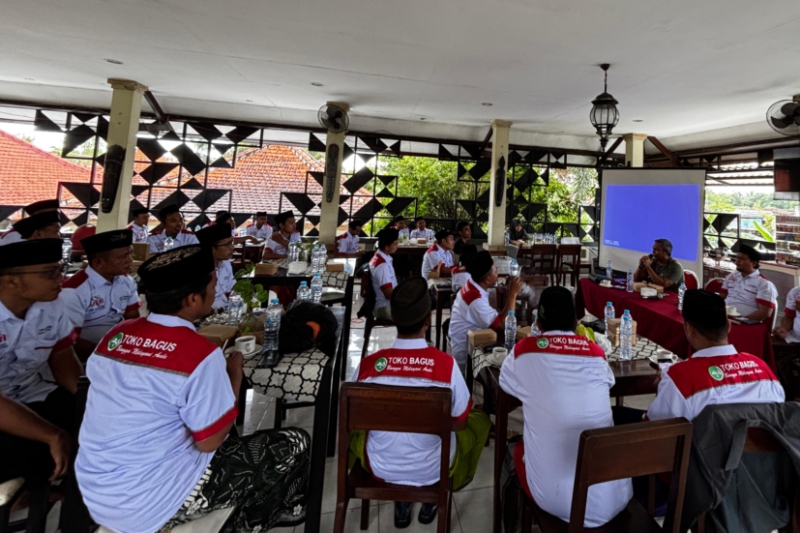
YAKUSA.ID – Bank Rakyat Indonesia (BRI) Cabang Lamongan menyalurkan bantuan paket sembako kepada masyarakat kurang mampu melalui Sekretariat Perkumpulan Spesial Masyarakat. Branch Manager BRI Lamongan Edy Hariyadi berharap bantuan tersebut dapat memberikan dampak positif bagi perekonomian masyarakat. “Alhamdulillah, melalui program BRI Peduli TJSL, kami dari BRI Cabang Lamongan menyerahkan bantuan paket sembako kepada masyarakat kurang […]