To change the background click on the label bar and in the layer window select the style tab.
Choose a source from the background top tab then upload an image or pick a background color.


To change the background click on the label bar and in the layer window select the style tab.
Choose a source from the background top tab then upload an image or pick a background color.

To add a layer, click the green plus button in the left sidebar and select the type of layer.
Select any layer and you can edit its content and style properties in the layer window.


To change the background click on the label bar and in the layer window select the style tab.
Choose a source from the background top tab then upload an image or pick a background color.

To add a layer, click the green plus button in the left sidebar and select the type of layer.
Select any layer and you can edit its content and style properties in the layer window.

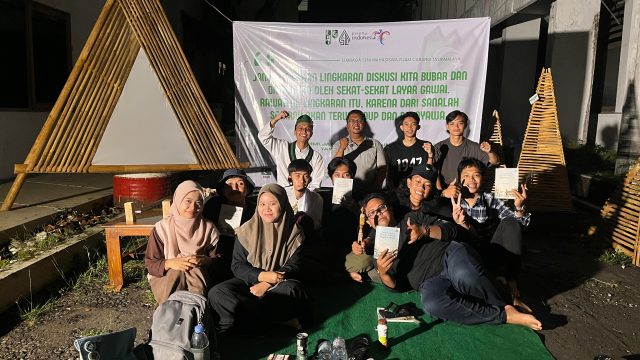
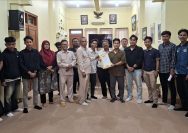
YAKUSA.ID — Lembaga Seni Mahasiswa Islam (LSMI) HMI Cabang Tasikmalaya kembali menghadirkan ruang literasi melalui kegiatan Bedah Buku “Penggalan Cerita: Kumpulan Cerita yang Menyelimuti Manusia” karya M. Sukri Ruslan yang diselenggarakan pada 22 Mei 2026 di Sanggar LSMI Tasikmalaya. Kegiatan tersebut digelar sebagai bentuk apresiasi terhadap setiap karya intelektual alumni Himpunan Mahasiswa Islam (HMI), sekaligus […]